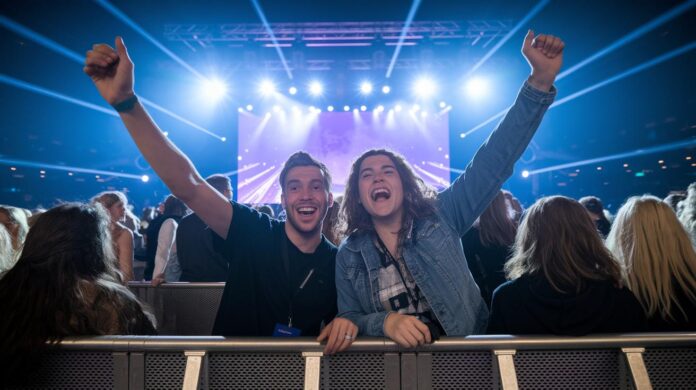

Have you ever wondered how a live social feed can suddenly turn an event into something magical? Imagine a screen filled with photos, videos, and messages, each one adding its own little spark. It’s like watching a cheerful collage come to life right in front of your eyes.
This social wall brings everyone together with real-time updates that make you feel like you’re part of one big, happy moment. It’s a neat twist that not only boosts the fun but also changes the way we connect and share stories at every gathering. Isn't that a fantastic way to see how technology can light up our lives?
Real-Time Engagement with a Social Wall for Events
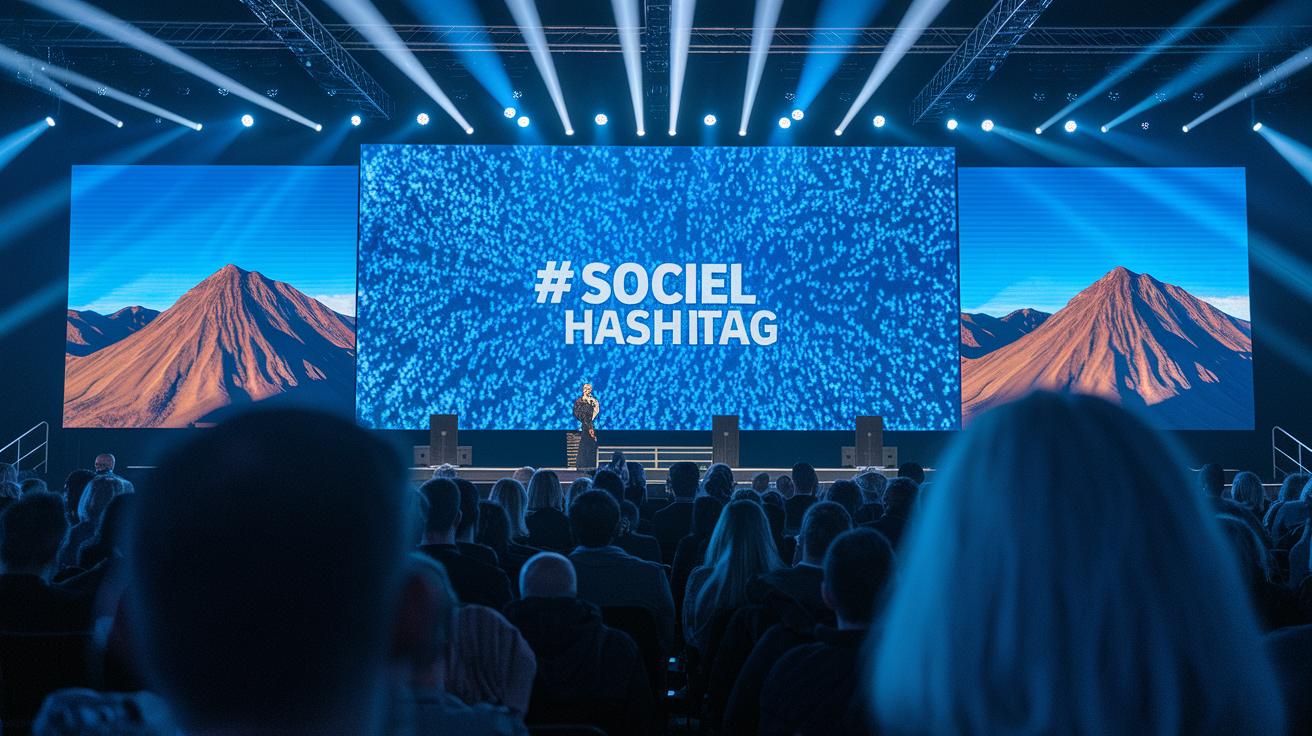
Real-time social walls mix live updates from Instagram, Facebook, TikTok, LinkedIn, BlueSky, and X into one lively feed. They pop up on big screens, websites, apps, or even jumbotrons at events, instantly lighting up the space with energy.
Imagine this: a burst of photos, videos, and messages flashing across a screen, all thanks to a chosen hashtag. At Interactions 2024, NICE used a 16-foot screen and an app embed that filled up quickly with posts from attendees. It was like watching the event come alive in a single, joyful moment.
Here's what makes these digital walls so magical:
| Benefit | Description |
|---|---|
| Social Proof | Seeing real-time posts boosts confidence and adds to the fun. |
| Live Interaction | Instant sharing makes everyone feel connected. |
| Hashtag Amplification | A unified hashtag brings the whole event together. |
| Audience Empowerment | Every post shines a light on someone’s moment. |
| On-Site Excitement | The atmosphere gets a lively boost from the digital buzz. |
Instant social feeds create real, heartfelt connections among attendees. With the feed boosting conversion rates by 29%, each shared post adds a ripple of excitement, making the whole event feel like one big, happy celebration.
Core Display Types in a Social Wall for Events

Choosing the right display format sets a lively stage for your event. Think of it like picking the perfect party backdrop, each option creates its own warm rhythm. You might use simple grids that feel neat or vibrant video mosaics that sparkle with energy and fun.
- Hashtag Wall – live public posts collected via hashtag
- UGC Wall – a handpicked gallery of attendee photos and videos
- Review Wall – ratings and testimonials from happy guests
- Employee Branding Wall – highlights that show off your team’s spirit
- Shoppable Wall – lets people buy products directly from posts
Different layout options, like a carousel or a slideshow, really boost your event’s vibe. They let you match your event’s theme perfectly while surprising the crowd with fresh, live updates. Ever notice how a spontaneous post can brighten up the whole atmosphere? This mix of formats turns every moment into a part of a buzzing, immersive experience.
Step-by-Step Implementation of a Social Wall for Events
First, pick the social channels that will make your event shine, think Twitter, Instagram, Facebook, and TikTok. Add a special event hashtag so everyone uses the same catchy phrase. Doing this links every post into a lively, real-time display that brings your event to life.
Next, decide on a layout that fits the spirit of your event. Whether you go with grids, carousels, or slideshows, customize your feed to feel both personal and professional. Platforms like Everwall (a tool that blends design with tech) make it a breeze to showcase your creativity on your website or digital screen.
Then, make sure your feed stays warm and welcoming with smart moderation. Set up both AI filters and manual checks to ensure each message matches the upbeat vibe of your event. Using an API integration (a way for different programs to talk to each other) connects your posts to advanced moderation tools so every update remains safe and cheerful.
| Step | Action |
|---|---|
| 1 | Define your event hashtag(s) |
| 2 | Connect social APIs or use hashtag search |
| 3 | Customize your feed layout and branding |
| 4 | Set up AI and manual moderation |
| 5 | Embed the code on your event site or screens |
| 6 | Test live updates on devices |
Most setups take less than 15 minutes. Cool, right?
Case Studies Showcasing a Social Wall for Events
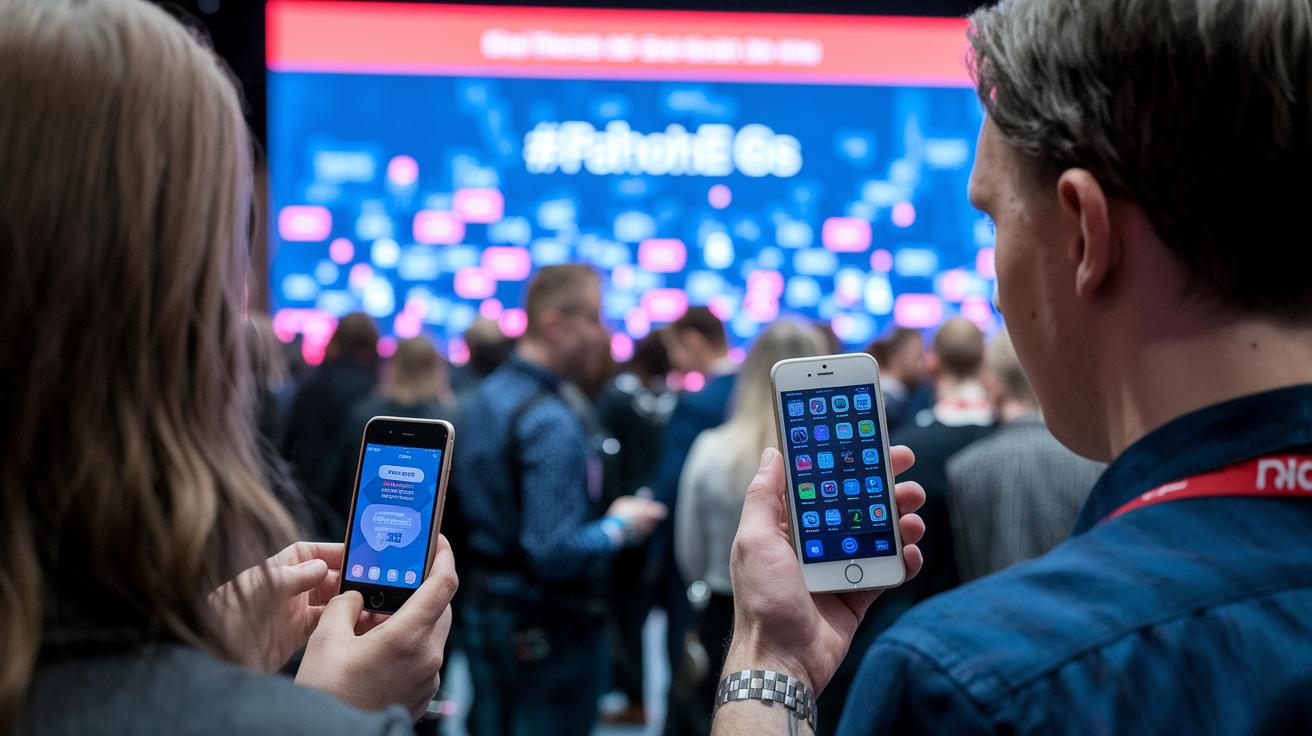
Case studies really show how well interactive event feeds work and prove they pay off with real results. When you see a lively social wall on display, it fills organizers with confidence knowing that every post adds to a warm and connected atmosphere.
- WHO’s 77nd World Health Assembly – They set up a big digital screen to mix posts from several WHO accounts, which sparked a noticeable boost in delegate engagement.
- NICE at Interactions 2024 – A 16-foot social wall paired with an app embed got attendees excited, as everyone jumped in to share fun, interactive posts.
- Insperity Fall Kickoff – Here, 800 live posts from 4,500 employees across 18 locations lit up event screens and the company intranet, creating a buzz that made everyone feel included.
- Oklahoma City Thunder – They used a jumbotron social wall with a QR code inviting fans to share their photos, turning the crowd’s energy into something truly contagious.
- Sandvik Coromant’s Global Ugly Christmas Sweater Contest – Festive posts from around the world lit up office screens, and a fun voting process even raised $5,000 for UNICEF.
Looking at these examples, you'll see some common secrets to their success. They all used a clear, catchy hashtag, moderated posts smoothly, and placed the wall right where everyone could see it. When people spot their own contributions on a big, carefully curated screen, it sparks more sharing and lively interaction. The easy setup and real-time updates make everyone feel like part of the story, turning any event into a vibrant celebration where every shared moment really shines.
Pricing Plans and Technical Requirements for a Social Wall for Events
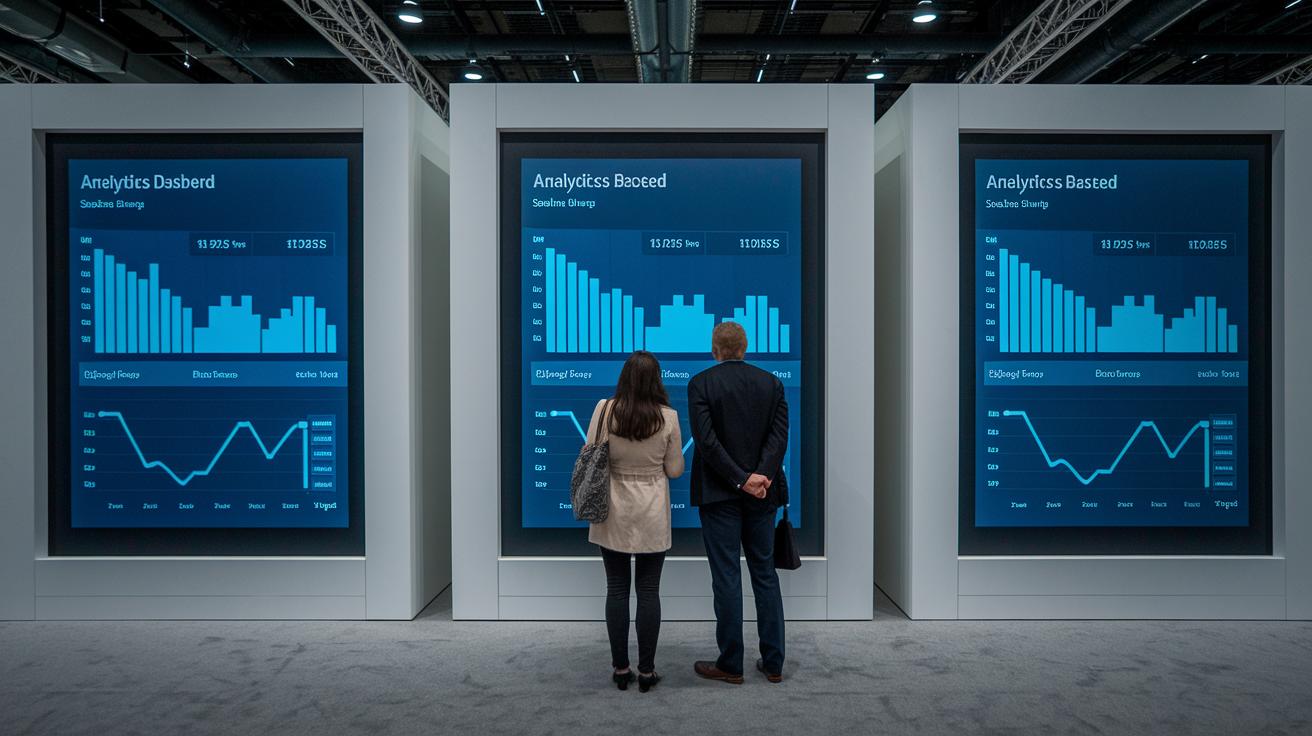
Dive into our range of plans that fit every event and budget. You can start with a free trial that gives you a basic feed and a few layout options, perfect for a no-risk tryout over 14 days. Then, there’s our standard plan, which offers unlimited layouts, smart content checks (AI moderation), and easy-to-read analytics so you can see how your wall is performing. And hey, if you’re part of a non-profit, you can enjoy a 20% discount on these plans. We’ve made sure there’s something just right for every event, no matter your needs or budget!
On the tech side, our social wall works best with a steady network connection and a browser that’s friendly on desktops, tablets, and smartphones. It’s important that your media aggregator stays responsive, meaning your visuals look great, whether viewed on a phone or a big screen. Plus, the package comes with extra goodies like social media analytics, email embed options, and API access (a tool that lets you customize workflows) to make everything run just the way you want it.
| Plan Type | Key Features | Price Range |
|---|---|---|
| Free Trial | Basic feed, limited layouts | $0 for 14 days |
| Standard | Unlimited layouts, AI moderation, analytics | $99–$299/mo |
| Agency | White-label, API access, priority support | Custom pricing |
Getting started is a breeze with clear setup guides, live tutorials on moderation, and detailed developer documentation. It’s a simple, friendly way to bring an interactive, lively vibe to your events, making each moment unforgettable!
Analytics and Impact Tracking for a Social Wall for Events

Analytics is super helpful for knowing how much a social wall connects with people during an event. It’s like having a friendly chat that tells you not only the number of posts but also shows you how much the audience is enjoying the content. This snapshot of activity helps organizers see the event’s heartbeat and make even smarter choices for next time.
Think of it like this:
- Post Count – this simply records the number of posts shared, giving a clear idea of overall participation.
- Engagement Rate – it keeps track of likes, shares, and comments, showing just how much the audience is into it.
- Hashtag Impressions – it measures how often the event hashtag pops up and gets interacted with, a wink to its reach.
- Device Breakdown – it shows which gadgets (like smartphones or tablets) are being used, helping tailor the experience.
- Conversion Actions – this logs clicks and other key moves that lead to real actions, whether that’s sign-ups, purchases, or other positive outcomes.
By diving into these details, organizers aren’t just counting posts, they’re getting a lively picture of what works. Seeing which parts get the most love and which actions lead to big results lets them fine-tune how they connect with their audience next time. And knowing what devices people use or how far a hashtag reaches means every future event can be a little more special and engaging, making the whole experience more lively and personal.
Final Words
In the action, the article showed how a social wall for events brings live energy to gatherings. It covered real-time feeds, display options, easy setup steps, and even success stories that prove its value.
We explored how clear hashtags and customizable layouts create instant buzz and boost engagement. Each benefit, from live interaction to audience empowerment, adds fun and connection to any event.
What a delightful way to celebrate friendship and unite people!
FAQ
What is a social wall for events?
The social wall for events aggregates live posts from platforms like Instagram, Facebook, and TikTok to create an engaging, real-time feed that enhances the ambiance and promotes audience interaction.
How does a media wall enhance event experiences?
The media wall for events displays interactive social media feeds on screens, boosting on-site excitement and making guest posts a central part of the event experience.
What social wall templates and ideas are available for events?
The social wall for events ideas include various customizable templates such as grids, carousels, and shoppable walls that boost social proof and encourage dynamic live interactions.
Are there free tools or generators for social walls at events?
Free social wall for events tools and generators offer basic layouts and setup options, making them ideal for smaller events or testing the concept before upgrading to advanced features.
Which social media platforms best promote events?
The best social media platforms for promoting events are Instagram, Facebook, and TikTok, as they are visually driven and provide interactive capabilities that drive high audience engagement.
What are some popular social wall solutions?
Taggbox, Walls.io, Flockler, SociableKIT, and The Wallrus are well-known social wall solutions that offer multi-platform aggregation and customizable layouts to suit various event needs.
Can a social wall be used at weddings?
Social wall for weddings display live guest posts and curated photos, adding fun, interactive elements that capture memorable moments and enhance the overall celebration.
What are the primary social media sites used by event venues?
Venues typically use social media sites like Instagram, Facebook, and TikTok because these platforms excel at visual storytelling and engaging local audiences for event promotions.